


Is it feasible to design or build WordPress site on your own?
Is it Challenging or everyone can learn how to make a WordPress website, isn’t it?
When it comes to WordPress website design, you will undoubtedly have these queries. Right?
“In today’s 360-degree internet environment, both individuals and companies must maintain a strong digital presence. WordPress; a very popular and user-friendly content management system and website development platform. People are using the WordPress platform since so long but still so many people are not familiar with how to build a WordPress site?”
Lets get better understanding with this facts and statistics of WordPress website development from past decades:
- Every year, WordPress powers two million new websites.
- Every six months, around 1.1 million new domains are registered on WordPress.
- WordPress is the fastest-growing content management system, with over 500 websites created every day.
- Every second, 27 new posts are published on the WordPress website globally.

Let’s begin with this world of website design and development possibilities.
This figures will risen drastically in 2024 and in next few upcoming year. If you are looking for how to make a WordPress site? Hire dedicated wordpress developer now!
Well, whether you’re a blogger, a small business owner or an enterprize level owner, or someone working on a passion project, setting up a WordPress site might be a game changer for you. Why? Because to build WordPress site needs few technical and non technical aspects to know before building a website on it.
Now you have a question in youe mind that what type of technical aspects someone know before building a WordPress website. And even many of you think about how to build a wodprtess site from scratch. Right?
So here we are come with all this queries to answer. In this extensive and informative; how to build a WordPress site guide 2024, we’ll walk you through the entire process of building a WordPress website, from start to finish.
Keep reading this blog till end and embrace the journey with us of how to build a WordPress site from scratch.
We are considering this simple steps to explain you a how to build a WordPress site and at the end, you will be a pro to develop a professional-looking WordPress website.
However, it is critical to understand each phase of WordPress website development thoroughly. From scratch to all technical areas, knowledge will help you achieve a hassle-free web development.
We’ll start our voyage by choosing a platform, a suitable domain name, and a reliable hosting service. Then we’ll install WordPress and customize your website using themes and plugins.
After completing this how to make a WordPress website, guiding journey, you will be able to easily design your WordPress website.
Let’s get started by explaining what WordPress is and how to build a WordPress site.
What is WordPress?
WordPress: Before we go into the technical specifics; let’s define “WordPress.”
It is a popular content management system (CMS); that enables you to develop and manage websites – without requiring much technical skills. It powers; a large chunk of the internet, making it a dependable and adaptable platform for web development.
Note: We as one of the well known organization offers WordPress development services, if you hace any requirements regarding the same Hire a WordPress developer now.
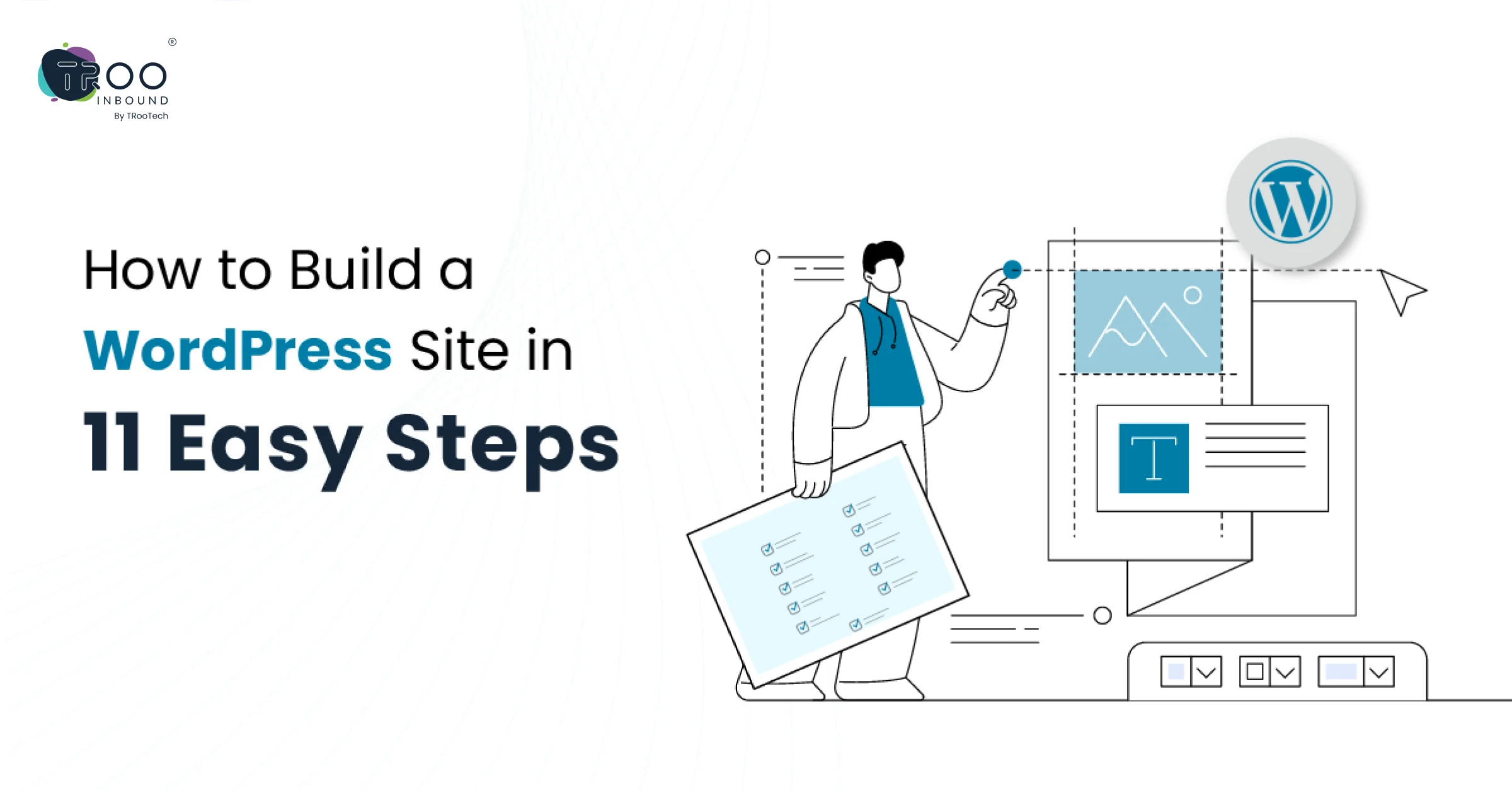
Lets begin with the 11 Steps that involves how to build WordPress Site
1. Choose a Domain Name and Hosting Provider
In the initial step of building a WordPress site is; to select a domain name and hosting provider. Website’s domain name serves as its address, while hosting stores its files. It is suggested to choose a domain name that reflects your brand or service, and then select a hosting provider based on reliability, speed, and customer support or according to the business requirement.
2. Installing WordPress
3. Theme Selection
4. Integration of Plugins
Plugins are applications for your WordPress site that enhance its capabilities beyond the basics. Some crucial plugins are: This is mandatory step to know how to create a WordPress site.
- “Yoast SEO” optimizes your website for search engines, hence improving your search ranks.
- “W3 Total Cache” improves your site’s speed and performance by caching content.
- “UpdraftPlus” backs up your site regularly, ensuring that vital data is not lost.
5. Engaging Content
With the technological parts handled, it’s time to concentrate on developing compelling content. Your material should be useful, well-written, and tailored to your target audience. Incorporating the main keyword will be the significant to rank your informative content to teh best possible reach. For instance if our main keyword is “How to bild a WordPress Site,” so this will needs to infuse in the whole content with the defined keyword density. Also it is organically incorporated into your material, without compromising the quality of the content. But yes, remembering that quality always outweighs keyword density.
6. Personalization
In this customization stage of how to make a WordPress website, Customize numerous components of your WordPress site to make it unique to you. Website customization elements includes the following:
- Custom Logo: A customized logo is mirroring your brand. Hence, create your brand logo that compliments your brand.
- Colors and typefaces: Select a color scheme and typefaces that are consistent with your brand identity.
- Widgets: Add widgets to your sidebar or bottom to enhance functionality.
7. Pages and Navigation
Create vital pages for your website, such as:
- The home page Introduce them to your website and explain its aim.
- About Us: Please include information about yourself or your business.
- Provide visitors with a way to contact you.
- Create an easy-to-use navigation menu so that visitors may explore your website.
8. Optimizing for SEO
9. Mobile Responsiveness
10. Regular Maintenance and Updates
11.Promoting Your WordPress Website
Marketing; yes one of the criitical consideration in the how to make a WordPress website stage, after developing the entire WordPress website. Because, building a WordPress website is just the stepping stone; advertising it is as crucial. It required to use social media, email marketing, and other internet platforms to increase visitors to your website and drive traffic. Engage with your audience through comments and open feedback to create a community.
Woohoo!!! You have completed all the learning aspects of how to build a WordPress site.
Consider these measures; to build WordPress site and a strong foundation for your website – and you will benefit in every way. If you’re ready to share it with the world; launch it!
We covered and helped you through this basics of how to build a WordPress site tutorial. Let’s take a look at the benefits of building a WordPress website.

WordPress Website Benefits:
WordPress is one of the world’s most popular content management systems (CMS) thanks to its multiple advantages. Whether you’re a blogger, a company owner, or someone trying to sell their portfolio, knowing how to create a WordPress site and adopting WordPress for your website has numerous significant benefits.
User-Friendly Interface:
- User-friendly interface > little to no coding experience required to develop and maintain websites.
- Dashboard is well-organized > allowing you to easily access / manage your website’s many components.
Extensive Theme Options:
- Wide assortment of free and paid themes; that cater to a “variety of industries, styles, and goals.”
- Themes are incredibly adjustable; allowing you to customize the look and feel of your website to fit your “brand or vision.”
Plugin Ecosystem:
- The robust plugin ecosystem; allows you to easily add additional features and functionality to your site. From SEO tools – to e-commerce solutions.
- Plugins work seamlessly with your WordPress site; eliminating the need for extensive programming.
SEO Friendly:
- WordPress generates “clean, semantic code that boosts SEO performance.
- WordPress offers – dedicated plugins; such as “Yoast SEO;” to help you optimize your content for search engines. This increases your website’s visibility and ranking in search engine results pages (SERPs).
Responsive Design:
- Most WordPress themes are responsive; by default > your site will look and function properly on a wide range of devices > including smartphones and tablets.
- A mobile-friendly design; enhances the user experience > crucial for increasing visitor retention > decreasing bounce rates.
Community Support:
- With online forums and extensive documentation > you can quickly solve problems > obtain answers to your questions.
- A mobile-friendly design; enhances the user experience > crucial for increasing visitor retention > decreasing bounce rates.
Regular Updates and Security:
- WordPress, themes, and plugins are routinely updated to guarantee that your site contains the most recent features and security updates.
- The WordPress theme development community values security, and there are various security plugins available to assist protect your site.
Scalability:
Scalability is the crucial element in how to build a WordPress site learning. No matter you are a blogger or a large organization > WordPress can easily scale to match your needs. You may start with a simple blog > proceed to a fully complete e-commerce site or corporate platform.
Cost-Effective:
- Open-source
- Free to use
- Many themes and plugins are also free,
- Lowering the initial investment required to create a professional-looking website.
Content Management:
- The built-in content management system allows you to quickly update and amend your stuff.
- You have complete control over the content on your “website, whether it’s text, photos, or multimedia.”
We discussed the benefits and steps involved in how to create a WordPress site.
Finally, building a site using WordPress gives a robust and accessible platform with a wide range of possibilities to fulfill a variety of needs.
Its user-friendly design; along with a wide ecosystem of themes and plugins – make it an excellent choice for both “individuals and corporations.”
Whether; you’re a beginner – or an experienced developer, WordPress provides everything you need to create a powerful and visually appealing website.
Tips to remember while Building a WordPress Website:
Here are some pointers to remember while creating a WordPress website:
Define your Purpose and Audience
Choose a Responsive Theme
Optimize for Speed
Prioritize User-friendly Navigation
Navigation is important to consider in how to build a WordPress site guide. Create an “easy-to-use navigation” menu to help visitors discover the information they need. A clean and well-organized navigation structure improves the entire user experience.
Secure your Website
SEO Optimization
Content is Key
Implement Call-to-Action (CTA) Elements
Use Plugins Wisely
Test across Browsers and Devices
Enable Analytics
Regularly Update WordPress Core, Themes, and Plugins
Update your WordPress core; themes, and plugins to “take advantage of the most recent features, security updates, and speed enhancements.” Regular upgrades assist in keeping a safe and functional website.

Conclusion:
“You have successfully created a WordPress website from the ground up. Remember that developing a great online presence requires time and work, so be persistent in your content development and promotion efforts.”
As you develop and build WordPress site, you’ll find new methods to improve its usefulness and attract a larger audience. Enjoy the adventure and happy WordPress development!
Looking to develop a strong worldwide digital presence? Hire WordPress Developers
Let’s work together to get the rock solid global presence. Learn how to build a WordPress site with us.
We are an expert team of trained developers who worked for outstanding results of web development projects and help businesses to know how to build a WordPress site and increase their ROI through B2B marketing automation systems and other solutions.
TRooInbound offers end to end web development solutions, including design, development and marketing. We also have a highly seasoned team of full stack developers who can individually handle the backend and front end work. Hire a WordPress developer for smooth website development.
We have everything you need to design and build WordPress site. Hire WordPress developer now!
With over 6 years of web development industry experience and a team of highly skilled IT specialists, we provide customer-centric, premium all-in-one solutions to customers worldwide.
Connect with us for hassle-free WordPress website design!