


According to W3Techs, WordPress powers more than 41% of all websites globally, making it the most dominant Content Management System (CMS) on the internet. But using WordPress alone isn’t enough to create a modern website. Businesses need fast performance, strong security, smooth user experience, etc. This is where WordPress plugins come to play.
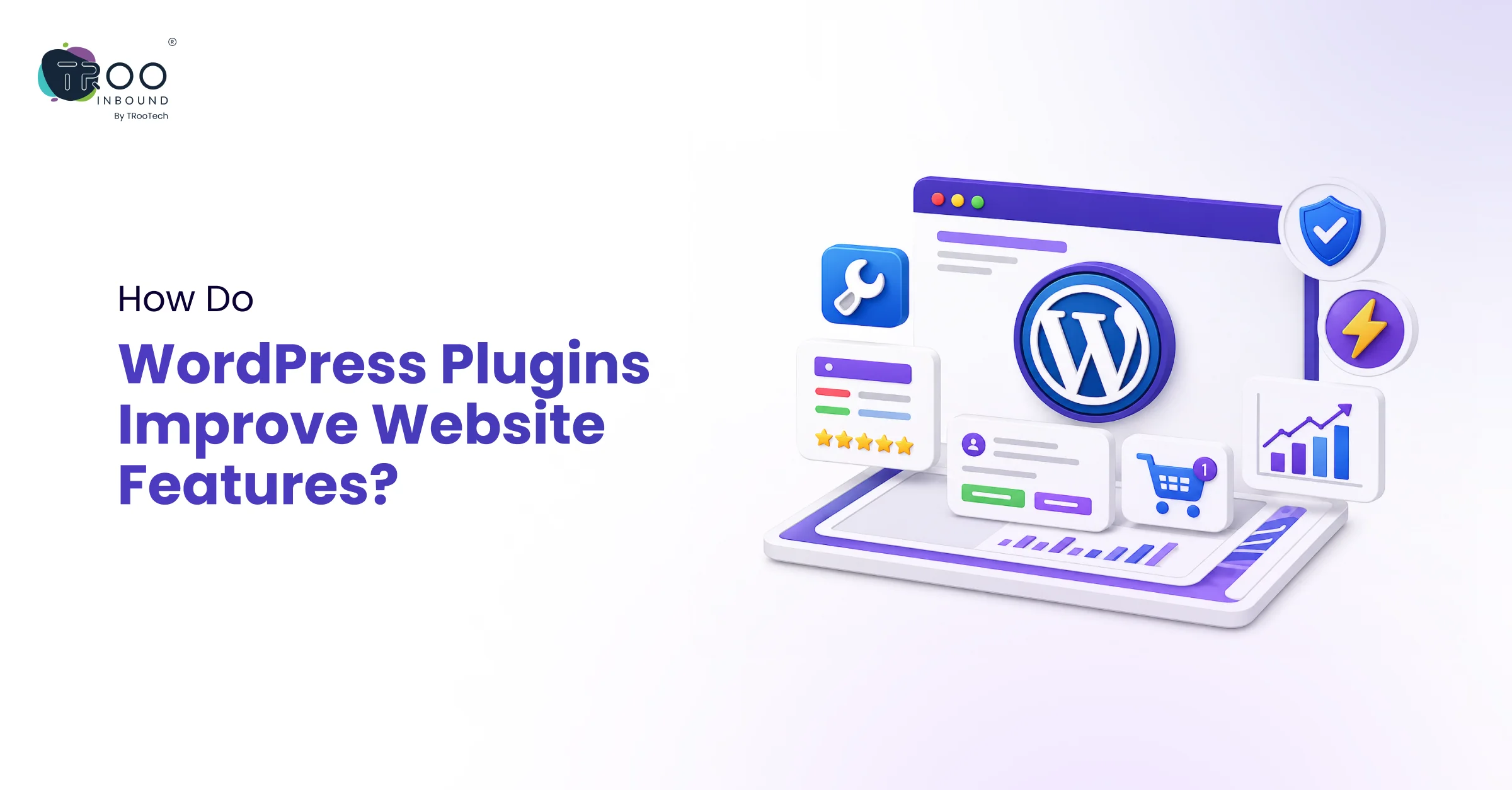
WordPress plugins are small but powerful software components that extend what your WP site can do without writing a single line of custom code.
From SEO optimization and contact forms to eCommerce functionality and advanced analytics, plugins help businesses create smarter and more scalable websites.
In this blog, we will explore how WordPress plugins improve website features, how they support business growth, and which types of plugins deliver the biggest impact.
What is a WordPress Plugin?
A WordPress plugin is a modular add-on that plugs into your existing WordPress setup and adds a specific feature or functionality to your site.
Whether you want to optimize your site for search engines, speed up loading times, add an online store, or lock down your security, there is almost certainly a plugin ready to do it.
The official WordPress plugin directory today hosts more than 60,000 plugins. For businesses running or considering a WordPress website, understanding what plugins do and which categories matter most is no longer optional; it is a strategic necessity.
What Makes WordPress Plugins So Valuable?
WordPress plugins are valuable because they extend the core functionality of WordPress without requiring custom development.
While the core WordPress platform handles content creation, user management, and basic publishing, plugins add advanced features such as contact forms, analytics, caching, backup systems, and payment processing. This modular architecture gives businesses the flexibility to customize their websites based on specific needs, making WordPress far more adaptable than many closed website platforms.
The real value of plugins also lies in accessibility. Even non-technical website owners can install and configure plugins through the WordPress admin panel in minutes.
For businesses that need something more tailored, custom WordPress plugin development offers a deeper level of functionality that no off-the-shelf solution can match.
How WordPress Plugins Improve Website Features
1. Enhancing Website Speed and Performance

Website speed directly influences SEO rankings, user engagement, and conversions. This is why WordPress performance plugins have become essential for modern websites.
According to data from the Core Web Vitals Technology Report, only about 44% of WordPress sites on mobile pass all three Core Web Vitals assessments as of late 2025. The good news is that skilled use of WordPress performance plugins can dramatically close this gap.
Popular WordPress performance plugins like WP Rocket and LiteSpeed Cache help businesses significantly reduce load times without requiring deep technical expertise.
For businesses serious about competing in search, investing in the right WordPress performance plugins is as important as the content strategy itself.
2. SEO Plugins For Strengthening Your Online Presence

Without visibility in search results, even the most beautifully designed site fails to attract organic traffic. SEO plugins bridge the gap between WordPress’s inherently search-friendly structure and a fully optimized web presence.
SEO plugins help improve:
- Meta titles and descriptions
- XML sitemaps
- Schema markup
- Internal linking
- Readability
- Technical SEO audits
Popular plugins like Yoast SEO and Rank Math simplify SEO management for businesses.
These plugins also help teams optimize content more efficiently, especially when combined with strong content marketing strategies.
Businesses focusing on long-term growth often combine plugin-based SEO optimization with professional SEO services to build stronger visibility across search engines.
3. Security Plugins To Protect Your Website

According to Colorlib’s 2026 WordPress statistics, there were 11,334 WordPress ecosystem vulnerabilities discovered in 2025 alone.
As cybersecurity threats continue to rise, especially for business websites handling customer information, plugins help strengthen WordPress security through:
- Malware scanning
- Firewall protection
- Login protection
- Spam prevention
- Activity monitoring
- Backup automation
Tools like Wordfence and Sucuri Security are widely used to protect WordPress websites from attacks.
Security plugins are particularly important because outdated themes or plugins can create vulnerabilities. Therefore, keeping all plugins updated should be in your WordPress development best practices for your site.
For better plugin installation and website management, you should hire WordPress developers who understand both plugin architecture and security vulnerabilities and can configure your security stack correctly, rather than just installing it.
4. eCommerce Plugins To Enhance Your Site’s Functionality

One of the biggest advantages of a WordPress website is its ability to transform into a complete eCommerce platform using plugins.
WooCommerce, the leading eCommerce plugin for WordPress, powers around one-third of all online stores globally. Beyond its core functionality, the plugin ecosystem around it includes over 850 official extensions covering subscriptions, memberships, booking systems, wholesale pricing, multi-currency support, and advanced shipping rules.
What makes the WordPress eCommerce plugin ecosystem particularly powerful is how these tools integrate with each other:
A store can run WooCommerce for transactions, Yoast SEO for product page optimization, WP Rocket for speed, and Wordfence for security, all from a single WordPress dashboard.
This integrated approach is something that purpose-built eCommerce platforms like Shopify are actively trying to replicate through their own app ecosystems
5. User Experience and Design Plugins

How a visitor actually experiences your site is shaped significantly by design and UX-focused plugins.
Page builder plugins like Elementor and Beaver Builder give designers and marketers full visual control over layouts without writing code. These tools allow teams to build and update landing pages, campaign pages, and product sections without developer involvement, which compresses go-to-market timelines considerably.
Plugins also improve website usability through features such as:
- Live chat
- Contact forms
- Interactive sliders
- Popups
- Search functionality
- Accessibility tools
- Appointment booking systems
And the cumulative impact of well-chosen UX plugins is a site that feels professional, responsive, and conversion-oriented.
Are Too Many Plugins Bad for WordPress Websites?
No, a well-maintained website with 20 optimized plugins can easily outperform a poorly managed site with 5 heavy plugins.
The issue may arise when the plugins are poorly optimized, out of date, conflict with other plugins, or are sitting idle inside your WP ecosystem. So, businesses should focus on plugin quality rather than quantity.
How to Choose the Right Plugins for Your WordPress Website
There are four criteria that should guide you in choosing a suitable WordPress plugin:
- First, active installation count and user ratings signal a plugin’s reliability and community trust. A plugin with 1 million active installs and a 4.8-star rating has been tested at scale.
- Second, update frequency matters enormously. A plugin that has not been updated in two or three years may be incompatible with recent WordPress versions and is almost certainly unpatched against known vulnerabilities.
- Third, support responsiveness tells you whether the developer will help when something goes wrong.
- Fourth, performance overhead should be considered, particularly for plugins that load JavaScript on the frontend, since each additional script adds to page load time.
Businesses should also avoid overlapping plugins that perform similar functions.
Final Verdict
WordPress plugins are the mechanism through which a basic website becomes a high-performing business tool. From SEO plugins that drive organic traffic, to WordPress performance plugins that satisfy Core Web Vitals, to security plugins that protect customer data, to WooCommerce and its extensions that power global commerce, each plugin category plays a direct role in business outcomes.
The key is intentionality. Choosing plugins based on quality, relevance, and performance impact, rather than just availability, is what separates sites that scale from sites that stagnate.
TRooInbound specializes in helping businesses get the most out of their WordPress investment. Whether you need expert support selecting your plugin stack, optimizing an existing site, or building custom functionality, our team of dedicated WordPress developers is ready to help. Explore our full range of WordPress services and get in touch to start the conversation.