
Didn’t Discover!!
What You're Looking For?
Didn’t Discover!!
What You're Looking For?
Home Salesforce The Role of Salesforce Automation (SFA) in Enterprise Workflow Optimisation
 By
Aman Bhati
By
Aman Bhati
 7 min
7 min
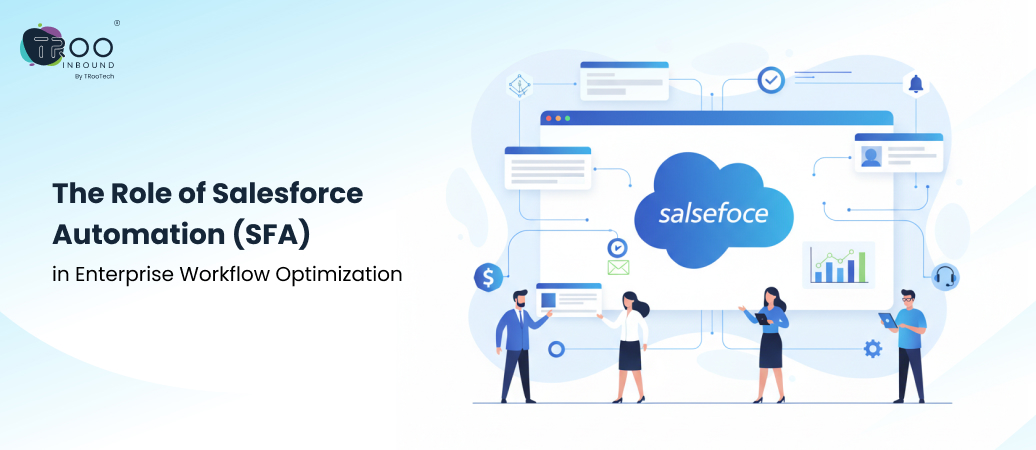
Enterprise teams manage complex sales cycles, high-volume service interactions, and multi-channel marketing programs to keep customers engaged. But when these operations run on siloed tools, the desired outcome is not achieved. Salesforce Automation (SFA) addresses this challenge by bringing business workflows together under a connected CRM environment.
Salesforce workflow automation helps businesses reduce manual efforts for repetitive processes and ensure that the information flows consistently across teams. This makes the sales team spend less time updating records, service teams resolve issues faster, and marketing teams run more relevant campaigns using real-time CRM data.
This blog acts as one of the best guides to understand Salesforce Automation and its impact on sales, service, and marketing workflows. Let’s dive in and explore more essentials of SFA.
Many enterprises still rely on a mix of manual steps and partially automated systems to manage critical customer-facing processes. Over time, it creates compound gaps and operational drag, making it difficult for businesses to scale efficiently.
Organizations commonly face the following challenges without a unified automation layer:
Lead data is often stored in spreadsheets, while follow-ups depend on individual discipline. This increases the risk of missed opportunities for conversion.
Service requests move slowly when routing rules are unclear or applied inconsistently, leading to delayed resolutions and frustrated customers.
Marketing campaigns frequently rely on static segments that fail to reflect real-time customer behavior or lifecycle stages.
Sales, service, and marketing teams operate on disconnected tools or poorly synchronized platforms, causing alignment to break down.
Sales teams may miss recent service issues, marketing may continue nurturing disqualified leads, and service teams may respond without visibility into campaign or deal history.
Salesforce Automation is a set of tightly connected tools and features that automate how work moves across your business teams. At the core of this capability are Salesforce’s workflow and logic builders, which define how records, tasks, and approvals progress through the system, forming the foundation for agentic automation frameworks like Agentforce 360.
Flow Builder (primary automation engine)
A visual, drag-and-drop tool that enables teams to automate complex workflows across objects, users, and systems.
Process Builder and Workflow Rules (legacy support)
Still used in many organisations to support existing automation logic while transitioning to Flow Builder.
Sales automation
Lead-to-opportunity progression, quote generation, contract management, and deal stage updates without repeated data entry.
Service automation
Case creation, routing, prioritization, escalation, and resolution workflows that ensure faster response times.
Marketing automation
Triggered nurturing journeys and campaign actions driven by CRM activity instead of static lists.
No-code and low-code automation
Business users can build and manage workflows without writing code, while technical teams can extend automation when needed.
System integrations and data flow
Native and third-party integrations with ERP systems, support platforms, marketing tools, and external applications eliminate data duplication.
Together, these features create a shared automation layer that keeps processes aligned, governed, and scalable across the enterprise, allowing teams to operate at speed without sacrificing control or visibility.
SFA affects Sales workflows most directly in their day-to-day operations, like:
Together, these improvements turn Salesforce Automation into a foundational sales execution engine, enabling teams to scale performance without adding complexity or administrative overhead.
As organizations scale, customer service teams are often the first to feel operational strain. Here’s how SFA helps in reducing stress:
Salesforce Automation brings in responsive, data-driven workflows that replace manual scheduling and static campaigns with real-time execution, especially when combined with Salesforce Marketing Cloud Services for cross-channel campaign orchestration and journey automation. Here’s how:
Other than operational clarity, Salesforce Automation measurably impacts productivity gains, cost efficiency, and improved experiences across the company.
Productivity increases across teams as:
Additionally, automated workflows enforce consistent updates, required fields, and standardized processes, so that CRM data becomes accurate and trustworthy.
Parallely, customer and employee experience also improve through Salesforce automation. Customers get faster responses and consistent communication as the internal teams work within clear, predictable workflows. Ultimately, it reduces frustration and burnout while improving service quality.
From a financial perspective, these gains translate into real ROI. And over time, automation becomes a growth enabler rather than an expense line item.
Effective Salesforce Automation begins with clarity, not configuration. So, consider these best practices for implementing scalable automation:
When implemented with discipline and intent, Salesforce Workflow Automation becomes a long-term operational advantage, supporting growth without increasing complexity or risk.
Salesforce Automation helps enterprises unify sales, service, and marketing workflows into a single operating system. By reducing manual work and standardizing processes, teams move tasks faster, data stays reliable, and customers experience more consistent engagement.
Just as importantly, automation allows organizations to scale without introducing unnecessary complexity or operational risk. If you are evaluating automation, outcomes depend on how well technology is aligned with real business workflows.
TRooInbound provides end-to-end Salesforce Services to help organizations design, implement, and optimize automation that delivers measurable results. From workflow strategy to enterprise-grade execution, our focus is on building systems that support growth, visibility, and long-term efficiency.
If you are exploring Salesforce Automation as part of your CRM transformation, now is the right time to take a structured, expert-led approach. Connect with our Salesforce experts today!
Dive into other interesting, well-researched, and nicely structured blog posts
 a CTA
a CTAWe will strategize our execution based on your requirement
Stay up to date by subscribing to our newsletter.

80A Uxbridge Road, W12 8LR, UK

Provinzialstraße 41, 46499 Hamminkeln, Germany

Call
+91 27174 54342

Email Address
hello@trooinbound.com

Skype Id
nikhil.jani

Schedule A Meeting
meeting/nikhil-jani
Copyright © 2026, TRooInbound. All Rights Reserved.

 8 min
8 min





