
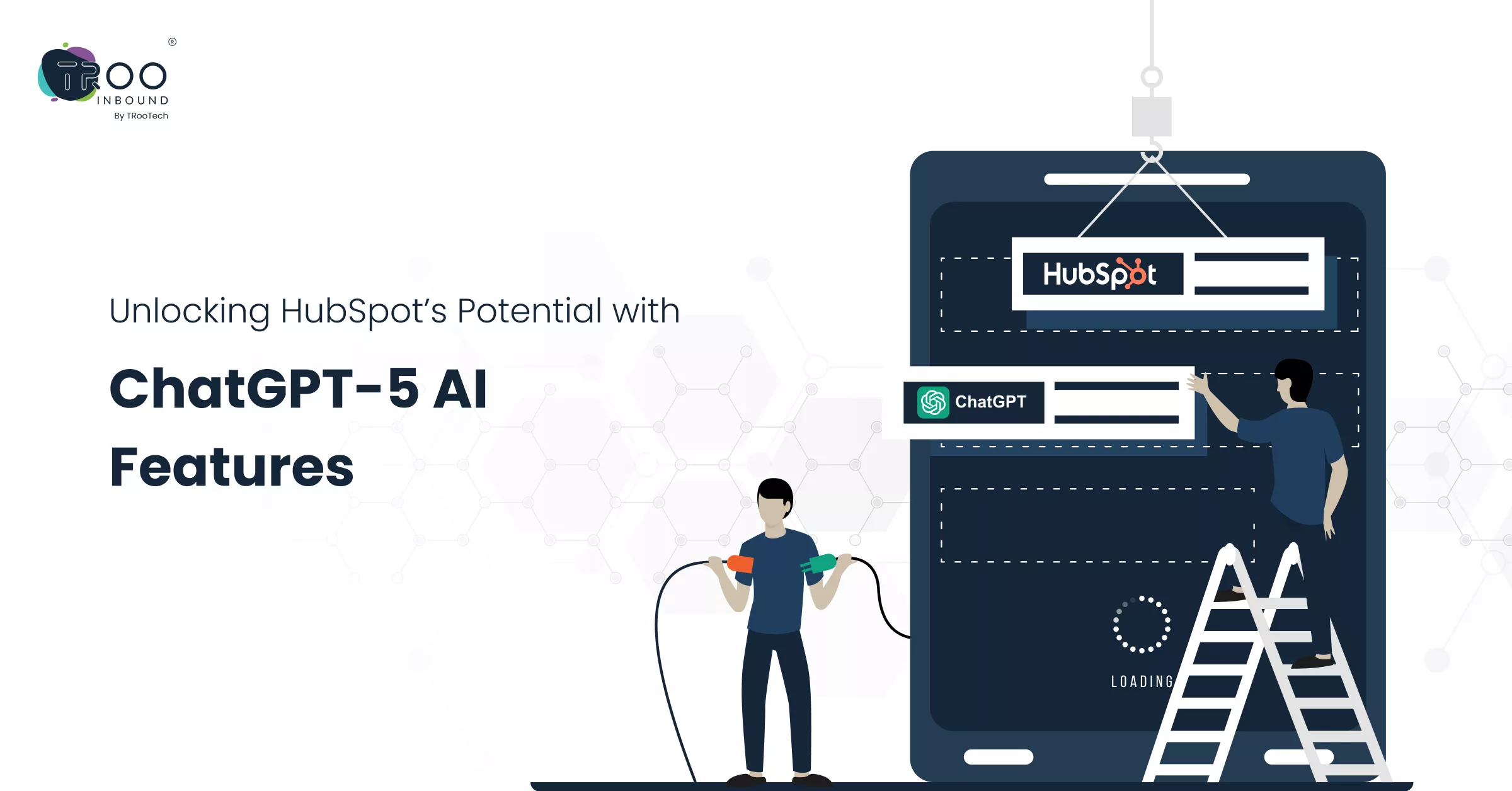


HubSpot launched the first smart, deep research CRM connector with OpenAI in June 2025. By using it, HubSpot users can easily apply powerful, PhD-level research and analysis to their own CRM data and put those insights to work.
The arrival of ChatGPT-5 has taken this potential to a whole new level. And with ChatGPT-5 HubSpot integration, you can completely redefine the way your marketing, sales & support teams work.
Let’s see what’s new in ChatGPT-5 and how its integration with HubSpot keeps your teams aligned on the same page.
ChatGPT-5 Features You Should Know About
ChatGPT-5 is the productivity booster for marketing, sales, and support teams. Here are some standout features that make ChatGPT-5 more useful:
- Multi-step reasoning for handling complex queries for sales, marketing, and customer support
- Advanced understanding of Natural Language Processing (NLP) for accurate responding by recognizing user intent and language cues.
- Easy integrations with platforms like Dropbox, Canva, etc.
- Connects easily with modern CRM like HubSpot to transform raw data into actionable recommendations
- Remembers many past interactions with a session, allowing consistent and better follow-ups
- Interprets texts, images, charts, and even documents for more versatile business applications
Benefits of ChatGPT-5 for HubSpot Users
HubSpot is a versatile AI-powered CRM platform that offers end-to-end solutions for your go-to-market teams. On the other hand, ChatGPT-5 is one of the most advanced OpenAI models that understands context and generates human-like responses.
When connected through the HubSpot ChatGPT connector, these tools can:
- Get quick answers to HubSpot-related queries and perform deep analysis of customer data.
- Automate reporting and spot trends, patterns, and potential churn signals.
- Make smarter, data-driven decisions across marketing, sales, and service.
- Generate marketing content, nurture emails, and customer communications in minutes.
- Automate customer support for common queries while freeing agents for complex cases.
- Qualify and prioritize leads based on engagement and conversion potential.
- Deliver personalized interactions and communications based on customer history.
- Enable sales teams to craft targeted outreach and expansion strategies.
- Reduce response times with instant, AI-driven answers.
- Save time on analysis, reporting, and admin work by focusing on high-value tasks.
- Allocate resources more effectively through automation and insights.
- Gain a first-mover edge by integrating advanced AI into HubSpot.
- Improve customer retention with better experiences and proactive support.
- Drive higher sales and revenue through smarter qualification and personalization.
Real-World Use Cases Across Marketing, Sales & Support
Marketing: Predictive Campaigns that Convert
- By combining HubSpot’s automation capabilities with ChatGPT-5’s intelligence, marketing teams can run predictive campaigns that score leads more accurately and tailor messaging to micro-segments of their audience.
Sales: AI-Driven Playbooks for Faster Closes
- Sales reps can use ChatGPT-5 to generate real-time objection-handling scripts, create personalized proposals, and identify the next best action based on CRM activity.
Support: Automated Resolution & Sentiment Tracking
- Support teams can use the integration to automatically classify tickets, draft responses, and detect customer sentiment, and help them prioritize urgent issues without sacrificing quality.
Connecting HubSpot with ChatGPT
Before you connect your HubSpot with ChatGPT, here are some primary factors you should know:
- The HubSpot connector for ChatGPT is available for all HubSpot users using Pro, Plus, Team, Enterprise, or Edu OpenAI subscriptions.
- Supports read-only access on core CRM objects (contacts, companies, deals, and tickets), along with their associations, standard properties, and custom properties.
- All interactions remain subject to HubSpot’s API usage limits.
Setting up the HubSpot connector for ChatGPT
- Open your ChatGPT window and select your profile icon.
- Click Settings.
- Then Connectors.
- Select HubSpot, and then click Connect.
- Then click on Continue to HubSpot.
- Authenticate using your HubSpot login credentials.
- Select the HubSpot account you want to connect to.
- Once connected successfully, you will be redirected to ChatGPT connectors, where HubSpot will appear as a verified source.
How to Use HubSpot ChatGPT Connector
After connecting your ChatGPT-5 or other model with HubSpot, you can access and use your CRM data directly in the ChatGPT interface. Here’s how:
Use directly in the chat:
- Open a new chat in your ChatGPT account
- Click on tools or the plus symbol
- Click on Connectors (Connected Apps)
- Then click on Add Sources
- And choose HubSpot
- Add your query or prompt and press enter. If it includes HubSpot, the connector will automatically be enabled and involved
Use for deep research:
- Open your ChatGPT and click on tools or the plus symbol
- Then click on Deep research
- After that, click on sources and choose HubSpot
- Add your deep research prompt and click Enter
- Answer any clarifying questions asked during the deep research query. You can also view the progress and the research of the query in the activity log
- Once the deep research is complete, the full report is available in the side panel
- You can use the report citation to jump to HubSpot record pages and continue taking actions inside your CRM as per your goals
Best Practices for ChatGPT-5 HubSpot integration
- You can use OpenAI ChatGPT-5 or the o3 model for the best results and response quality
- Try to include the term “HubSpot” in your prompts to improve accuracy and trigger the connector automatically
- Make sure your HubSpot data is clean, accurate, and relevant to yield better outcomes.
- Add context about how to use HubSpot data like objects, custom properties, etc., to make responses more actionable and tailored.
- You can take advantage of HubSpot’s prompt library, where numerous helpful prompts are listed to carry out easy AI-powered CRM operations.
Steps to Disconnect The HubSpot ChatGPT Connector
Don’t want to keep your ChatGPT and HubSpot connected for long? You can disconnect them using these steps:
- Open your ChatGPT window and click on your profile icon.
- Then, go to Settings.
- In the left sidebar menu, navigate to Connectors.
- In the Enabled Connectors section, click HubSpot.
- In the top right of the HubSpot connector for ChatGPT settings, click Manage.
- Then click Disconnect.
It’s this easy to disconnect both tools and keep using them separately as well.
The Future of HubSpot-powered ChatGPT
The HubSpot ChatGPT integration is a productivity booster that offers a competitive advantage to marketing, sales, and support teams by cutting down the boundaries of AI and creating a unified customer journey powered by real-time intelligence.
Businesses that adopt HubSpot automation with AI early will have a head start in:
- Delivering exceptional personalisation at scale.
- Gaining market insights faster than competitors.
- Building customer relationships that feel human—even when powered by AI.
It’s this easy to disconnect both tools and keep using them separately as well.
Final Verdict
In the future, success won’t be defined by who has the most data, but it will be defined by who can use that data most intelligently. And with HubSpot + ChatGPT-5, that future is already here.
This combination marks the start of a new era for CRM users. From smarter lead nurturing AI to data-rich insights, this integration transforms how teams work.
At TRooInbound, we specialise in complete HubSpot services, helping businesses maximise ROI and stay ahead in an AI-first world. With the ChatGPT-5 HubSpot integration, we ensure your marketing, sales, and support teams work smarter, not harder.