
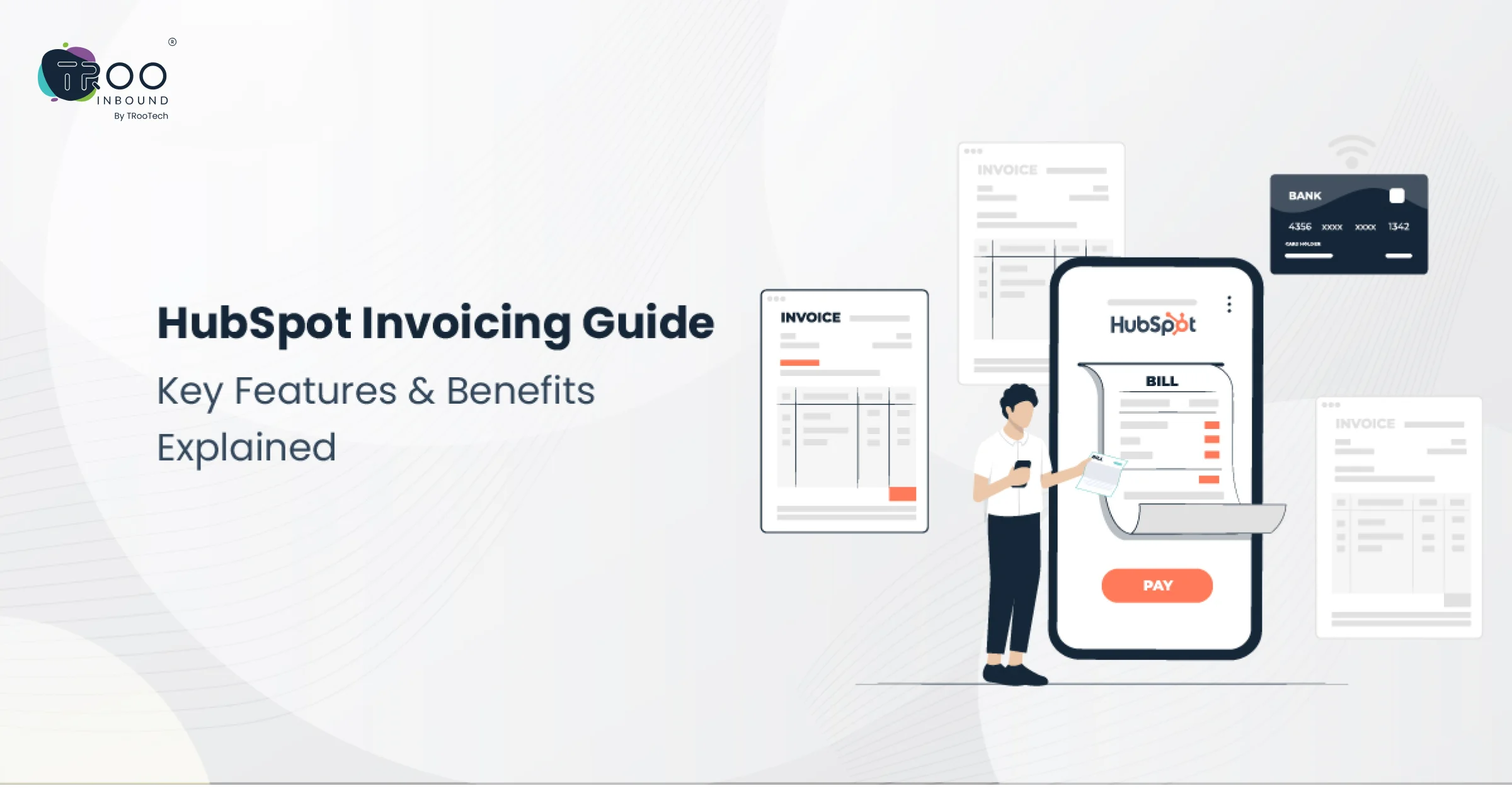


Invoicing is probably never going to be the most exciting business task, but it’s undoubtedly one of the most essential. Late or incorrect invoices can disrupt cash flow, strain client relationships, and create unnecessary administrative headaches. That’s where HubSpot comes in. HubSpot is known for its robust CRM capabilities; it also offers powerful invoicing features designed to simplify your billing process and keep your financial operations on track.
Imagine generating and sending invoices, tracking in real-time, or even creating automatic reminders for overdue payments—all from one single platform. HubSpot streamlines invoice handling efficiently and saves your time by reducing errors and keeping your team focused on what really matters to your business.
In today’s blog, we will discuss how to use HubSpot invoicing; that is to say, let’s go all the way from key features to setup tips. Whether you are a novice in HubSpot or want to fully exploit its potential, here’s how you transform billing.
What is HubSpot Invoicing?
HubSpot Invoicing is an online accounting software that simplifies billing, tracks professional invoices, and gets payments faster. With this invoice automation software, you can simplify how you create, send, and monitor your invoices.
It helps businesses of all sizes, whether it’s a service-based or an eCommerce company; you can create and send invoices directly from HubSpot. Using HubSpot’s invoice automation software, you can reduce the payment request time by creating invoices directly from quotes and deals. Plus, it helps to improve the cash flow and customer satisfaction.
Benefits of HubSpot Invoicing
With a HubSpot development company, you can maximize the benefits of implementing HubSpot Invoicing. Here are the benefits of this amazing tool.
Efficiency
HubSpot Invoicing is powerful invoice automation software for businesses with regular billing cycles. Automated time-consuming tasks reduce human errors and free up time for other important tasks. It also allows you to benefit from recurring invoices.
With recurring Invoices, you can provide on-time billing for customers without manual intervention. Plus, it’s easy to integrate HubSpot Invoicing with other HubSpot tools. As a result, you can generate invoices from deals effortlessly and track payments on a unified platform.
Customization
Creating invoices that complement your brand identity is possible with HubSpot Invoicing. It offers customization features, including modifying layouts, logos, and more. Also, enables the addition of custom fields to get the specific data relevant to your business, such as, project numbers and product codes. You can also get help from a HubSpot development company to create custom invoices that are professional and enticing for your customers.
Tracking
Another benefit of HubSpot Invoicing is that it enables tracking the status of invoices and payments. It includes the number of invoices that are sent, which are paid, and the ones that are overdue. You can even send automatic reminders to those whose invoices have reached their due date.
It will help you to enhance the cash flow and minimize the number of overdue payments. Apart from tracking, HubSpot Invoicing provides reporting features that assist users in generating reports on invoice processing and analyzing areas that require improvement.
User Experience
HubSpot Invoicing Features
Invoice Templates
Invoice Automation
Payment Integration
HubSpot Invoicing allows the integration of popular payment gateways like Stripe, to get direct payments from customers and make an easy invoice processing. After integration of the HubSpot Invoicing account with a payment gateway, it becomes easy to add a payment button to your invoices, which is helpful for customers.
It gives customers a hassle-free payment process when paying their invoices via their preferred payment method online. It will create a valuable experience for customers and your payment collection time will also get reduced.
Finance Reporting
Client Portal
Automated Invoicing Reminders
Multi-currency Support
Real-time Invoice Tracking
How to Set Up the HubSpot Invoices Tool
Account payable automation tools like HubSpot Invoicing help to manage finances effectively. Let’s follow the below steps, or you can hire HubSpot developers to set up this account payable automation software.
Step 1: Configure and Customize Invoice Setting
Personalize your invoices by customizing the prefix and starting number. Navigate to Settings > Object > Invoices. By default, the prefix is INV, and the starting number is 1001, which helps you maintain consistent numbering.
Step 2: Turn on Edit Open Invoices
To edit an invoice after it’s sent, enable editing. Go to Settings > Objects > Invoices, check “Allow editing of open invoices,” and click Save. It provides flexibility for adjustments or correcting errors.
Step 3: Set Default Email Address
Step 4: Edit Custom Fields
Step 5: Add a Custom Title
Step 6: Add a Default Comment
Step 7: Add Tax IDs
Step 8: Remove Sales Tax Notice
Conclusion
Utilizing HubSpot Invoicing features can streamline your billing process, improve cash flow, and save valuable time. If you need expert assistance to maximize these tools, consider partnering with a HubSpot Development Company.
Either you can hire HubSpot Developers to customize and optimize your invoicing setup, ensuring it aligns seamlessly with your business needs and enhances your financial management.