


Lead generation is no longer just about forms and follow-up emails. Visitors demand faster responses, quick solutions, and a personalized experience.
To ditch the traditional lagging responses, businesses have started adopting reliable AI solutions. That’s where the HubSpot AI tools are used, especially its AI chatbots for advanced lead generation.
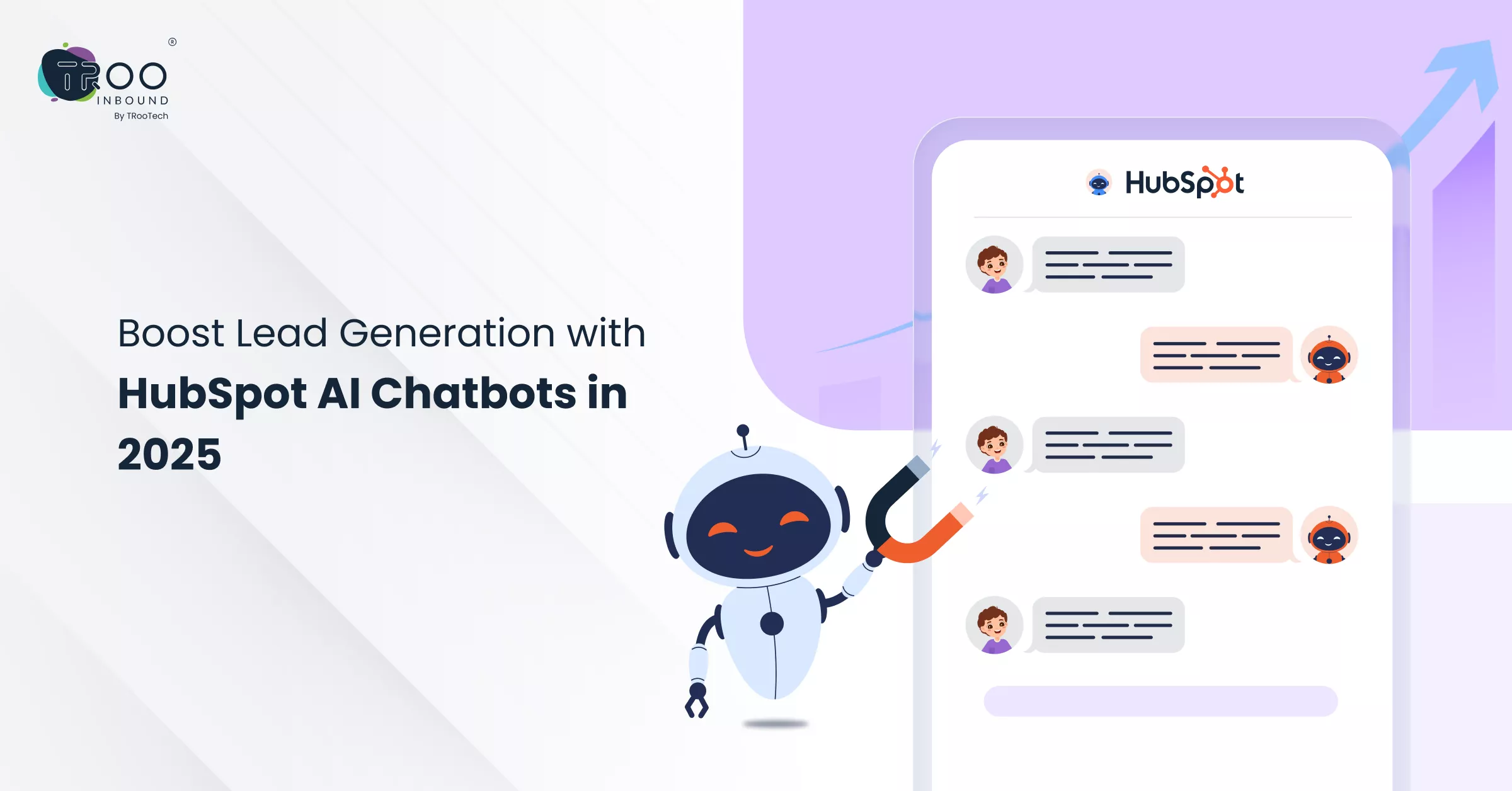
HubSpot AI chatbots can chat with visitors, quality leads, answer FAQs, and even book meetings. So, let’s explore their advanced capabilities and how you can use them to capture new leads and grow your sales pipeline.
Understanding What Is HubSpot AI Chatbot
HubSpot AI Chatbots are smart digital assistants that are designed to automate clients’ interactions, qualify leads, and improve engagement without constant manual efforts.
Machine Learning and Natural Language Processing train them to understand human-written questions, offer personalised responses, and capture valuable client information simultaneously.
So, using an AI chatbot for lead generation simplifies lead capturing by guiding users through your sales pipeline, asking qualifying questions, and passing the best leads to your CRM.
Advantages of Using HubSpot AI Chatbots
If you think chatbots are optional, you are missing a key opportunity for lead generation. They are a vital part of modern websites to collect leads and data smartly. Let’s see the benefits of adding HubSpot AI Chatbots:
- Instantly respond to visitor questions. No wait time.
- Guide users through the funnel based on their behaviour.
- Personalise messages using CRM data.
- Keep engagement high even outside business hours.
- Reduce bounce rates with quick, relevant replies.
- Recommend products or services tailored to each visitor.
Next, we will explore the stepwise process of HubSpot AI chatbot setup. But if you’re new to HubSpot or want to put deep lead capture efforts, consider working with a HubSpot chatbot consultant or hire HubSpot developer to set up and timely refine your bot strategy.
Setting Up HubSpot AI Chatbots for Lead Generation
HubSpot provides a Chatbot Builder tool, using which you can quickly build one as per your needs. Still, here’s a step-by-step guide to help you implement a chatbot that actually contributes to lead generation with HubSpot:
> Log in to your HubSpot account
> Choose your chatbot type
Select a goal-based template, such as “Qualify Leads Bot” or “Book Meetings,” to start with an optimised flow explicitly designed for lead generation with HubSpot.
> Write in your welcome message
Write a personalised greeting that encourages visitors to engage. Tailor your message to your audience or landing page context.
> Set up lead qualification questions
> Use conditional logic
Create different flows based on user responses. This improves engagement and makes your HubSpot AI chatbot feel more human and helpful.
> CRM & Workflow Integration
Automatically add new contacts to your CRM and trigger HubSpot automation workflows to follow up via email or assign leads to your sales team.
> Check, test, and then publish
Test your chatbot experience from the visitor’s perspective. Once satisfied, publish it on high-traffic or campaign-specific landing pages.
> Monitor performance
Use the HubSpot analytics dashboard to track engagement, lead captures, and drop-offs, then update the workflow accordingly.
You can always hire HubSpot developer or consult with a HubSpot chatbot expert to ensure your bot strategy aligns with your funnel goals.
Inbuilt Features of HubSpot Chatbots
HubSpot chatbots have a range of innovative and customizable features that make them powerful tools for both sales and marketing teams, helping to automate engagement and drive conversions easily.
Here are their standout capabilities that make them an ideal HubSpot lead generation tool:
> Smart Lead Qualification
With existing branching logic, HubSpot AI chatbots can ask context-aware questions and qualify leads based on their responses. This automated qualification process ensures your sales team only gets high-intent contacts.
> Drag-and-Drop Builder
HubSpot provides a no-code chatbot builder that lets you create conversation flows quickly. This makes it easy to launch a functional HubSpot chatbot without needing a developer, though for complex use cases, many businesses choose to hire HubSpot experts.
> CRM Integration
Chatbots sync directly with HubSpot CRM, automatically logging interactions, creating contact records, and triggering follow-up workflows—leveraging the power of HubSpot automation.
> Multi-Channel Support
These bots can operate across your website, Facebook Messenger, and other channels, allowing you to reach and convert leads wherever they interact.
> Personalised Responses
HubSpot AI chatbots can pull from CRM data to personalise messaging based on user history, location, or behaviour, resulting in more meaningful conversations.
> Meeting Scheduling Integration
Let your bot book meetings directly on your sales reps’ calendars using the built-in meeting scheduler. This shortens the sales cycle and improves conversion rates.
> Optimization & Evaluation Tools
Detailed analytics dashboards help you understand user behaviour, track lead conversion rates, and continuously optimise your bot’s performance.
By leveraging these features, you can design a scalable and efficient AI chatbot that works 24*7 for your visitors.
Hire HubSpot Experts To Maximize Chatbot Results
While HubSpot makes it simple to launch a basic chatbot, leveraging this tool to its full potential requires experience.
If your goal is to create a HubSpot AI chatbot that consistently automates your workflows and delivers qualified leads, working with certified professionals is a must.
When you hire HubSpot experts, you gain access to specialists who can build advanced chatbot flows, implement CRM automation, and perform other chatbot tasks. They ensure your bot works accurate for everything, from crafting user journeys to connection with backend systems.
Conclusion
HubSpot AI Chatbots solves many queries that visitors face on a daily basis. They provide instant chat support and also collect valuable information in the form of leads and upgrade the way your site interacts with clients.
Though the initial setup may look time-consuming, in the long term, these bots improve customer satisfaction, making it a worthy investment for many businesses.
Investing in marketing software like HubSpot is a smart move for any business looking to improve sales, marketing, and customer service.
But to get the most out of your business growth, it needs to work with your other tools. While HubSpot App Marketplace offers some basic integration, you’ll need expert help when it comes to custom integration.
TRooInbound’s HubSpot experts help brands create smarter, high-converting chatbot experiences. This means you can give instant support to your visitors anytime and provide personalised customer interactions.
FAQs
Read Popular Questions
What is a HubSpot AI chatbot?
Can HubSpot chatbots really improve lead generation?
HubSpot chatbots automate lead capture, qualification, and follow-up processes to manage the sales funnel and improve the overall customer experience, leading to increased lead generation and conversions.
Do I need coding skills to use HubSpot chatbots?
Are HubSpot AI chatbots free or paid?
The HubSpot chatbot builder tool is free to use for HubSpot users.
How do HubSpot chatbots integrate with workflows?
- Open your HubSpot account
- Navigate to Conversations > Chatflows
- Click Create chatflow and choose Website
- Select a template or start from scratch
- Use the visual editor to define the bot’s questions, responses, and actions
- Set up targeting rules to determine when and where the chatbot appears
- Test the chatbot thoroughly and make any necessary adjustments