


HubSpot dashboards are easy to create, but supporting revenue goals with them is not.
Most teams build HubSpot dashboards just to track activities like email sends, meetings booked, calls made, and campaign clicks. The end numbers look active, sometimes even impressive, yet leadership still struggles to answer basic revenue questions like: Where is the pipeline slowing down? Which source drives profitable customers? Are we on track to hit the forecast?
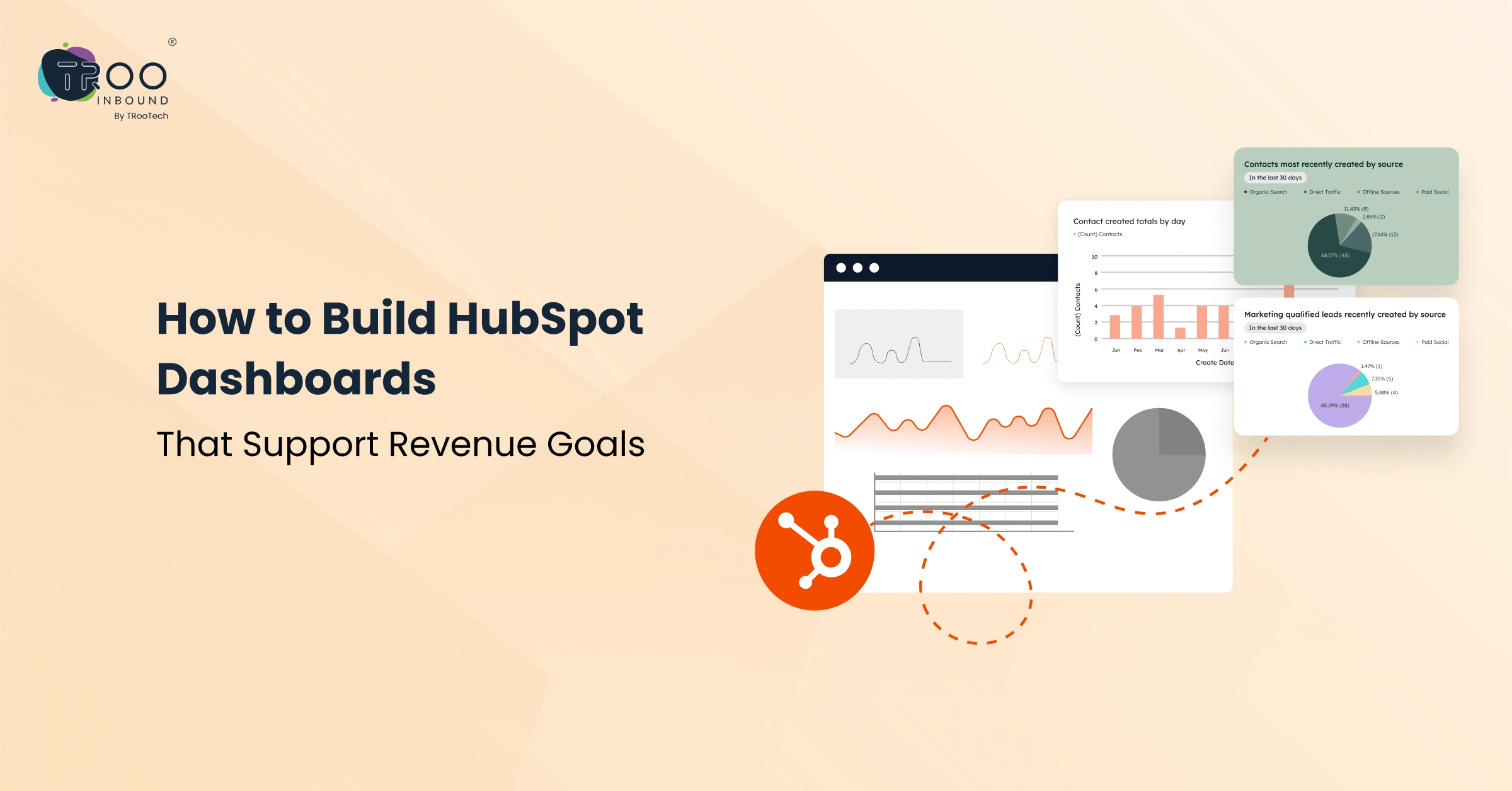
In this blog, we will break down how to build HubSpot dashboards that directly support your revenue goals. We will begin with alignment, move into metric selection, and then walk through how to structure dashboards inside HubSpot.
Along the way, we will highlight common mistakes and explain how to maintain dashboards as your business scales. So, let’s dive in and start learning!
Why Most HubSpot Dashboards Fail to Drive Revenue

Many dashboards fail because they were never designed for revenue in the first place.
Teams often build dashboards based on departmental reporting needs, such as:
- For marketing to track leads.
- For sales to track calls.
- For the customer success team to track tickets.
Each function sees its own activity clearly, but no one sees the full revenue picture.
Another reason for failure is metric overload. When a dashboard includes twenty or thirty reports, none of them stand out at the time of actual decision-making. Executives do not need ten charts showing small variations, instead they need clarity on pipeline health, conversion efficiency & revenue predictability.
There is also a structural problem. If lifecycle stages are inconsistent or deal properties are incomplete, dashboards reflect flawed data. Even a well-designed report cannot compensate for misaligned CRM architecture.
So, before building a revenue-supporting dashboard, keep a simple principle in practice:
‘Every metric used to build the dashboard must tie back to growth, profitability, or retention. If it does not influence revenue decisions, it does not belong in the executive view.’
Before Building Dashboards, Align Your Revenue Goals
Before opening the reporting tool in HubSpot, leadership needs to align around revenue objectives. And decide on:
- Are you focused on increasing average deal size?
- Improving win rates?
- Expanding existing accounts?
- Shortening sales cycles? Or something else
Each of these goals requires a different reporting structure.
This is where a clear Revenue Operations framework becomes essential. When revenue goals are clearly defined, dashboards become directional. They show progress against targets. They highlight gaps. They allow leadership to intervene early.
Without this alignment, dashboards become collections of charts that look busy but say very little. Partner with a reliable RevOps service provider to help you align your teams towards a common goal to achieve.
Then Identify the Core Revenue Metrics That Matter
Once revenue goals are defined, the next step is choosing the right metrics.
This is where discipline matters. A revenue dashboard should not attempt to display everything available inside HubSpot. It should focus on metrics that directly influence financial outcomes.
For most B2B organizations, this includes pipeline value by stage, stage-to-stage conversion rates, deal velocity, average deal size, win rate, revenue by source, and forecast accuracy. For recurring revenue models, expansion revenue and churn rate also deserve visibility.
Mapping the Full Funnel KPIs: Marketing, Sales, and Customer Success

As marketing performance influences pipeline quality, sales execution determines conversion efficiency, and customer success drives retention and expansion, gathering metrics from all the teams is necessary for building an effective HubSpot dashboard.
- For marketing: tracking marketing qualified leads, cost per lead, and contribution to pipeline value rather than only traffic or impressions.
- For sales: stage progression, close rates, and deal cycle length.
- For customer success: renewal rates, expansion revenue, and churn percentage reveal long-term sustainability.
When these metrics live in separate dashboards, alignment weakens. When they appear in one connected revenue view, the organization can identify where friction occurs.
Step-by-Step: How to Build a Revenue-Focused Dashboard in HubSpot
After defining goals and metrics, it is time to build inside HubSpot.
- Start by reviewing your data structure. Ensure lifecycle stages, deal stages, and key properties are clearly defined and consistently used. Reporting accuracy depends on clean inputs.
- Next, create or select reports aligned with your revenue metrics. HubSpot offers standard reports for common pipeline and deal insights. For more specific needs, the custom report builder allows you to combine objects such as contacts, companies, and deals into unified views.
- When structuring the dashboard, place high-level revenue indicators at the top. This might include total pipeline value, closed revenue this month, and forecast versus target. Supporting metrics can sit beneath them, offering diagnostic detail.
- Use filters strategically. Dashboards can be segmented by team, region, product line, or time period. This ensures stakeholders see relevant insights without clutter.
- Finally, control access thoughtfully. Executives may need a summarized view. Department leaders may require deeper operational data. HubSpot allows you to tailor dashboards by role so each stakeholder receives appropriate visibility.
If your organization requires more advanced configuration, working with experienced HubSpot specialists can streamline the process.
TRooInbound provides support across CRM setup, automation, and advanced reporting to ensure dashboards align with strategic goals. Our expertise in setting up HubSpot Reports and Dashboards helps businesses transform raw data into decision-ready insight.
Common Mistakes When Building HubSpot Dashboards

Even well-intentioned teams can undermine dashboard effectiveness by making these common mistakes:
- One frequent mistake is overcomplication. When every available metric is displayed, the dashboard loses focus. Leaders should not need to scroll extensively to understand performance.
- Another common issue is relying on vanity metrics. High website traffic or email engagement can look positive, yet may not correlate with revenue growth. Metrics must be tied to the pipeline or revenue contribution to justify their presence.
- Data hygiene also plays a critical role. Missing deal values, inconsistent stage updates, or duplicate records weaken trust in reporting. Once trust erodes, teams revert to spreadsheets or manual tracking.
- Finally, dashboards often remain static while the business evolves. New product launch. Sales processes change. Pricing models shift. If reporting does not adapt, it slowly becomes irrelevant.
Avoiding these mistakes requires periodic review and a clear standard for what belongs in a revenue dashboard.
Maintaining and Optimizing Dashboards for Continuous Revenue Growth
A HubSpot dashboard setup is not a one-time project; it is an evolving asset. As revenue goals change, reporting structures must adapt.
Quarterly reviews provide an opportunity to evaluate whether current dashboards still reflect strategic priorities. Whether you are entering new markets, shifting from acquisition to expansion, or introducing subscription pricing? Each shift demands adjustments in reporting emphasis.
Timely refinement in dashboards should be deliberate rather than reactive. Small improvements over time maintain relevance and credibility.
Continuous optimization also reinforces accountability. When teams know that performance is consistently measured and reviewed, reporting becomes part of the culture rather than a background tool.
How TRooInbound Helps Businesses Build Revenue-Driven HubSpot Dashboards
Building dashboards that support revenue requires more than technical skill. It demands business understanding.
TRooInbound works with businesses to align CRM architecture, automation, and reporting with measurable revenue objectives. Our approach begins with clarifying revenue goals and defining lifecycle processes, which ensure dashboards reflect how the business truly operates.
From CRM audits to custom report development, the focus remains on clarity and impact. Instead of overwhelming leadership with data, dashboards are structured to answer the questions that matter most. Where is growth accelerating? Where is the pipeline slowing? How reliable is the forecast?
For businesses that want their HubSpot dashboards to move beyond surface-level reporting, a structured RevOps approach makes the difference. If your current dashboards feel disconnected from revenue outcomes, it may be time to reassess how they are built and aligned. Exploring how your reporting supports real growth is often the first step toward turning HubSpot into a true revenue engine.