
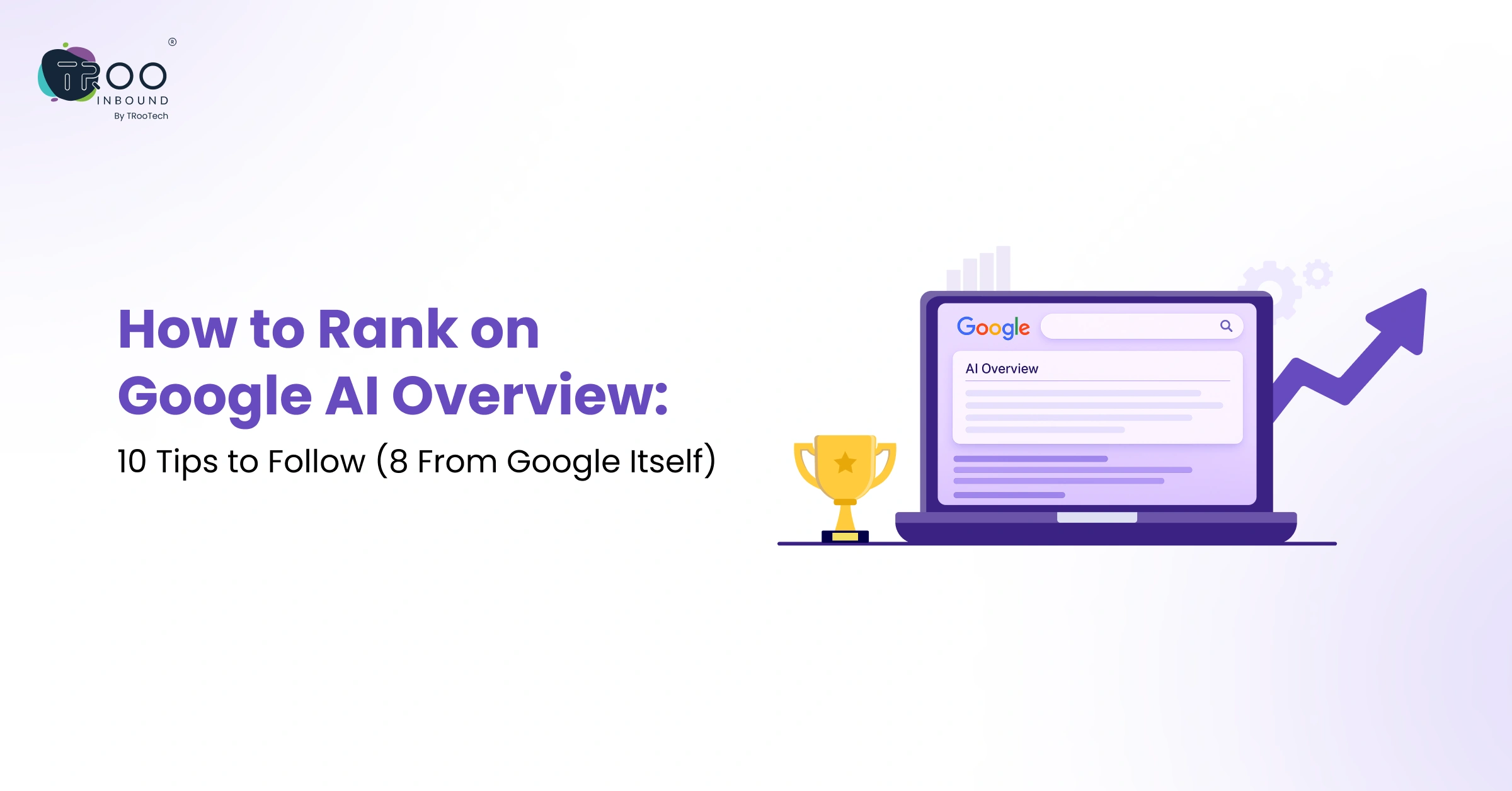


Between evolving ranking criterias, the digital growth team is always on a loop with this question: How to rank on Google AI Overview, ChatGPT, Claude, etc.? Its answer is simple: By publishing thoughtful, useful, authoritative, well-researched, and trustworthy content.
Just content publishing is also not enough! Businesses should build a reliable presence across multiple platforms and also implement LLM SEO strategies along with traditional SEO practices to stay visible across AI tools.
In this blog, you’ll explore 8 proven tips that will help your content get picked up by Google’s AI Overview, improving your overall organic reach.
10 Proven Tips On How to Rank On Google AI Overviews

Tip 1: Create Unique, Valuable, People-first Content
This is Google’s most fundamental piece of advice since SEO was introduced. The content you create should be for people and not for search engines.
The AI Overview works by pulling information from multiple sources and synthesizing it into one answer. Thin content, keyword stuffing, or content written purely to rank is unlikely to be selected.
For your content to be selected as a source, it has to stand out from everything else covering the same topic. That means going beyond surface-level information. It means adding insights, perspectives, or depth that other pages do not offer.
Ask yourself: if someone lands on this page, will they leave with their question fully answered? Or will they need to go somewhere else? AI Overviews tend to pick content that actually finishes the job.
So, when your content genuinely helps users, it becomes more useful for AI summaries as well.
Tip 2: Deliver Great User Experience
According to Veza, AI-driven personalization in your content and website can lead to a 10–25% conversion lift.
Even if your content is well-researched and written with E-E-A-T in focus, a cluttered webpage repels the readers, Google’s crawlers and AI models.
A great page experience means fast load times, a clean layout, and content that is easy to read without friction. It means your site passes Core Web Vitals, works well on smartphones, and does not bombard users with intrusive pop-ups the moment they arrive.
There is a practical reason for this beyond rankings. When someone clicks through from an AI Overview citation, they arrive with high intent. They already know what the AI said. They came to your page for more. If your site makes them wait or confuses them, they leave immediately. That behavior signals low quality back to Google.
So, make sure your pages offer excellent user experiences because the best content in the world loses credibility when it is wrapped in a slow, broken website.
Tip 3: Make Sure Google Can Actually Crawl and Access Your Content
If important pages on your site are blocked by your robots.txt file, hidden behind a login, or rendered using JavaScript in a way that Googlebot cannot process, they are effectively invisible.
To avoid such a situation, you can check that your sitemap is up to date, that crawl directives are not accidentally restricting important URLs, and that your server consistently returns the right status codes.
For AI Overviews, accessibility is particularly important because the AI is pulling information to synthesize, not just list. If your content is technically inaccessible, it will never enter the pool of sources from which AI Overviews are built.
Use Google Search Console regularly to inspect whether your pages are being indexed and whether there are any crawling issues to fix. You can also hire SEO experts to take care of all these technical aspects of your website’s AI visibility on different platforms.
Tip 4: Manage How Your Content Appears with Preview Controls
Tools like nosnippet and max-snippet apply to AI Overviews as well, not just classic search results. This means you have more control over how your content appears inside AI-generated answers than you might think.
If you do not want a specific piece of content surfaced inside an AI Overview, you can restrict it using the data-nosnippet attribute on specific sections of a page, or apply the nosnippet meta directive at the page level. On the other hand, if you want to maximize how much of your content is used in AI summaries, removing or loosening these restrictions is a smart move.
The key takeaway here is that you are not helpless. You have levers. Use them intentionally.
Tip 5: Keep Your Content Structured
Structured data helps Google’s AI understand what your content is about at a machine-readable level. When you mark up your pages with schema types such as FAQPage, Article, HowTo, Product, or Person, you are giving the AI additional context to work with.
But your structured data must match what users actually see on the page. Misleading or inaccurate schema, where the markup says one thing but the visible content says another, is treated as deceptive and can hurt your visibility rather than help it.
If your page has an FAQ section, mark it up with the FAQPage schema. If it is a how-to guide, use the HowTo schema. If you are publishing expert content, add the Person schema for the author with links to their credentials. These signals help the AI connect your content to real-world entities and topics, which increases the likelihood that it will be cited as a trusted source.
Tip 6: Content Should Not Just Mean Text, It Should Include Visuals, Videos And More
Google’s AI Mode and AI Overviews also process images, videos, product listings, and business profile data along with text-based content.
This means you should use high-quality images with descriptive, keyword-relevant alt text and include relevant video content to add a dimension of credibility and engagement.
For businesses with a physical presence or product catalog, this tip extends even further. Google specifically calls out Merchant Center and Google Business Profile as part of the multimodal picture. Keeping your product listings accurate and your business profile updated means your content is represented accurately across different surfaces where AI Overviews might pull information from.
Tip 7: Understand Visits On Your Site, Not Just Clicks
When people click through from an AI Overview citation and land on your page, they already know the gist of the topic from the summary; they are coming to your site to go deeper. This changes how you should think about conversion.
Instead of optimizing purely for click-through rates, look at what visitors actually do on your site. Are they reading more than one page? Are they signing up for something? Are they spending meaningful time engaging with your content? These signals matter more than raw traffic volume in the AI search era.
Tip 8: Evolve Your Content Along with How Your Users Are Searching
The search landscape is changing because user behavior is changing. People are asking longer, more complex questions. They are using search in conversational ways.
For that, content creators have to draft content that easily answers the questions or queries users are asking. Also, the answer should be subtle, accurate, and easy to navigate for AI crawlers.
You can look for the People also search section on Google, or search autocomplete to look for relevant long-tail questions that people are asking, and include that Q plus its answer in your content so AI can easily grab your answer and present it to the reader.
Tip 9: Optimize Your Content for the Way AI Overviews Are Built
AI Overviews are generated through a process Google calls query fan-out.
Query fan-out means:
When a user asks a question, Google’s AI breaks it into multiple related sub-queries and searches for the best answers to each one simultaneously. It then stitches those answers together into a single coherent Overview, drawing from different sources for different parts.
What this means for your content is that you need to answer something very relevant to the topic very well. For that, you can write content that contains standalone paragraphs that directly address a specific question or subtopic.
A few practical ways to do this:
- Lead each section with a direct, clear answer before adding a supporting explanation.
- Use question-based headings that match how users phrase queries.
- Include a short, plain-language summary at the top of long posts that captures the key point in two to three sentences.
AI Overviews favor clarity over cleverness. Write in a way that is easy for both humans and machines to extract meaning from quickly. When Google’s AI is looking for the clearest answer to a specific part of a query, you want your content to be the one it reaches for.
Tip 10: Build a Strong Content Ecosystem – Topical Authority
Google’s AI does not just evaluate individual pages in isolation; it evaluates the breadth and depth of a website’s coverage on a topic.
When multiple well-linked pages on your site collectively cover every important angle of a subject, you signal that you are an authoritative source on that topic, not just a one-off contributor.
You can achieve this by:
- Creating topic clusters
- Linking related articles internally
- Covering both broad and niche topics
It takes time to build topical authority. Start by auditing the topics you already cover, identifying gaps, and building out the missing pieces; every piece you add strengthens the whole website.
The first eight tips are Google-backed, and the last two tips are our expert-driven strategies. And combining all these strategies into a regular practice will help your content perform better on Google AI Overview and other AI tools as well.
Putting It All Together
Ranking in Google AI Overview is not a completely different game from traditional SEO. It is the same game, played with higher standards and sharper rules.
The fundamentals still matter: great content, strong technical health, structured data, and real expertise. What has changed is that these things now need to work together more precisely than ever.
If you follow the 10 tips outlined in this guide, you will not only improve your chances of appearing in AI Overview but also strengthen your overall SEO performance. Start today! Schedule a meeting with TRooInbound’s digital marketing experts to stay visible and ranked on traditional and AI search engines.